Modifying the Views
Auto Generated Code
@{
    ViewBag.Title = "Index";
}

<h2>Index</h2>
Updating View Using HTML
@{
    ViewBag.Title = "AIT Information";
}

<h2>Academy of Information Technology (AIT)</h2>

<p>
    Academy of Information Technology (AIT) is an educational institute
    focused on providing quality training in information technology.
</p>

<p>
    AIT offers various professional courses to help students build strong
    technical skills and career opportunities in the IT industry.
</p>

<p>
    Official Website:
    <a href="https://aitaurangabad.com/" target="_blank">
        https://aitaurangabad.com/
    </a>
</p>

<hr>

<p>
    Welcome to the official information page of AIT.
    This content is displayed using a modified View in ASP.NET MVC.
</p>
Output
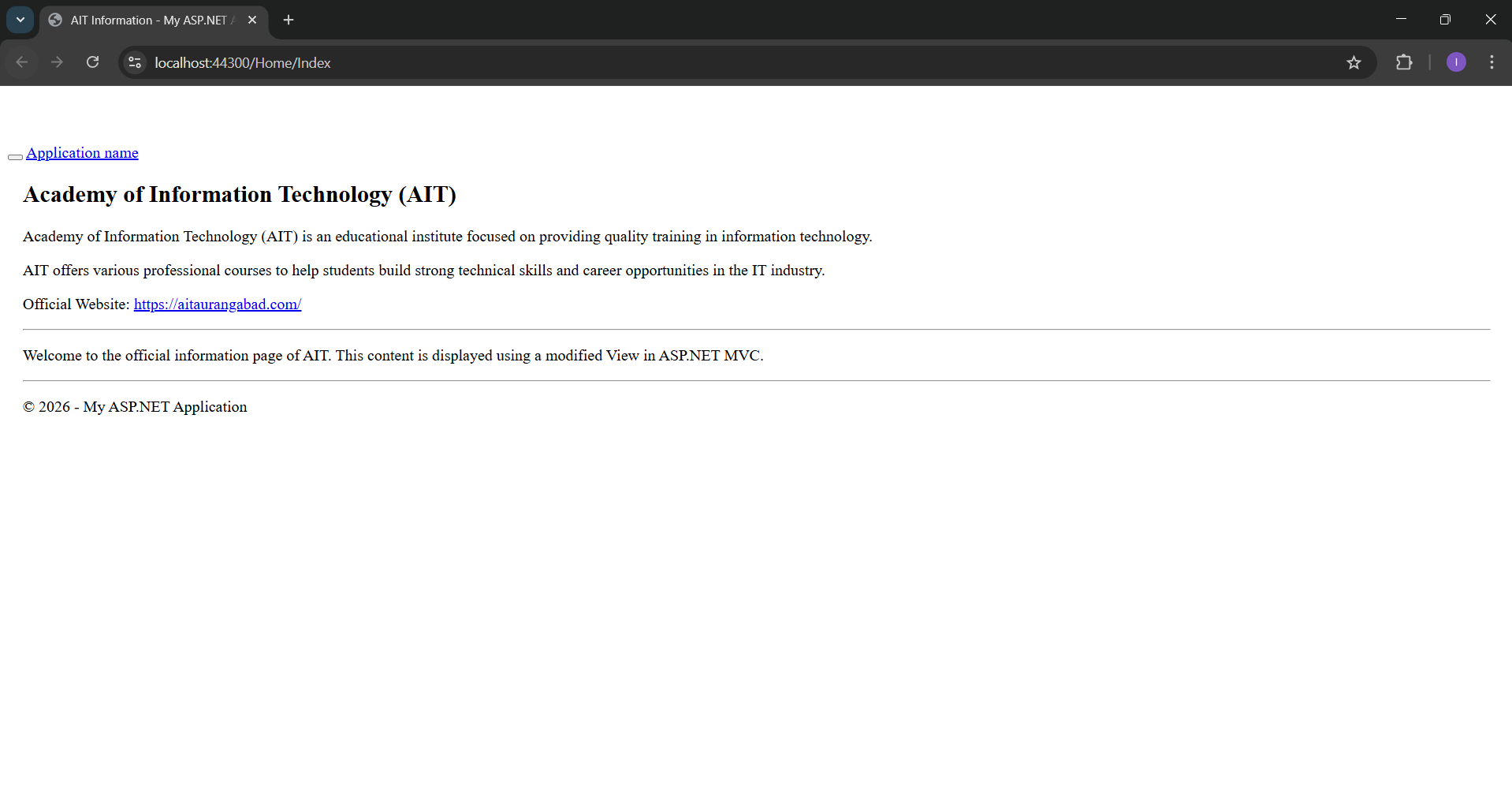
Application URL
https://localhost:44300/Home/Index
Modifying View Design with CSS
@{
    ViewBag.Title = "AIT Information";
}

<style>
    body {
        font-family: Arial, sans-serif;
        background-color: #f4f6f9;
    }

    .ait-box {
        background-color: #ffffff;
        padding: 20px;
        border-radius: 10px;
        box-shadow: 0 4px 10px rgba(0,0,0,0.1);
        margin-top: 20px;
    }

    .ait-title {
        color: #0d6efd;
        font-weight: bold;
    }

    .ait-link {
        color: #198754;
        text-decoration: none;
        font-weight: 500;
    }

        .ait-link:hover {
            text-decoration: underline;
            color: #dc3545;
        }
</style>

<div class="ait-box">

    <h2 class="ait-title">
        Academy of Information Technology (AIT)
    </h2>

    <p>
        Academy of Information Technology (AIT) is an educational institute
        focused on providing quality training in information technology.
    </p>

    <p>
        AIT offers various professional courses to help students build strong
        technical skills and career opportunities in the IT industry.
    </p>

    <p>
        Official Website:
        <a href="https://aitaurangabad.com/" target="_blank" class="ait-link">
            https://aitaurangabad.com/
        </a>
    </p>

    <hr>

    <p>
        Welcome to the official information page of AIT.
        This content is displayed using a modified View in ASP.NET MVC.
    </p>

</div>
Output
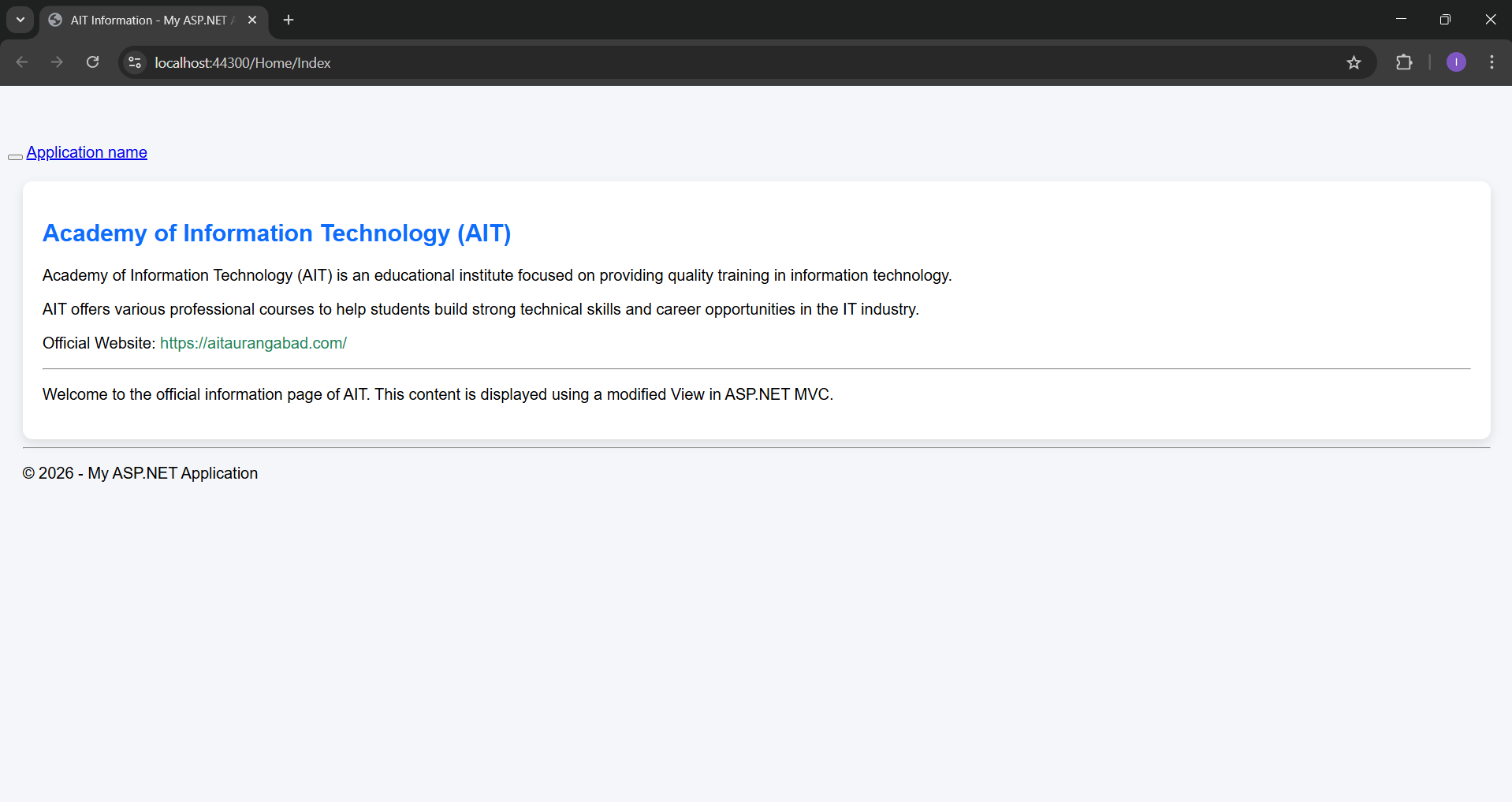
Application URL
https://localhost:44300/Home/Index
Designing View Using Bootstrap
@{
    ViewBag.Title = "AIT Information";
}

<!-- Bootstrap -->
<link href="https://cdn.jsdelivr.net/npm/bootstrap@5.3.2/dist/css/bootstrap.min.css" rel="stylesheet">

<div class="container mt-5">

    <div class="card shadow-lg border-0 rounded-4">

        <div class="card-header bg-primary text-white text-center rounded-top-4">
            <h3 class="mb-0">
                Academy of Information Technology (AIT)
            </h3>
        </div>

        <div class="card-body p-4">

            <p class="fs-5 text-muted">
                Academy of Information Technology (AIT) is an educational institute
                focused on providing quality training in information technology.
            </p>

            <p class="fs-5 text-muted">
                AIT offers various professional courses to help students build strong
                technical skills and career opportunities in the IT industry.
            </p>

            <hr>

            <div class="text-center mt-4">
                <a
                   href="https://aitaurangabad.com/"
                   target="_blank"
                   class="btn btn-success px-4 py-2 rounded-pill">
                    Visit Official Website
                </a>
            </div>

        </div>

        <div class="card-footer text-center bg-light">
            <small class="text-muted">
                This content is displayed using a modified View in ASP.NET MVC with Bootstrap styling.
            </small>
        </div>

    </div>

</div>
Output
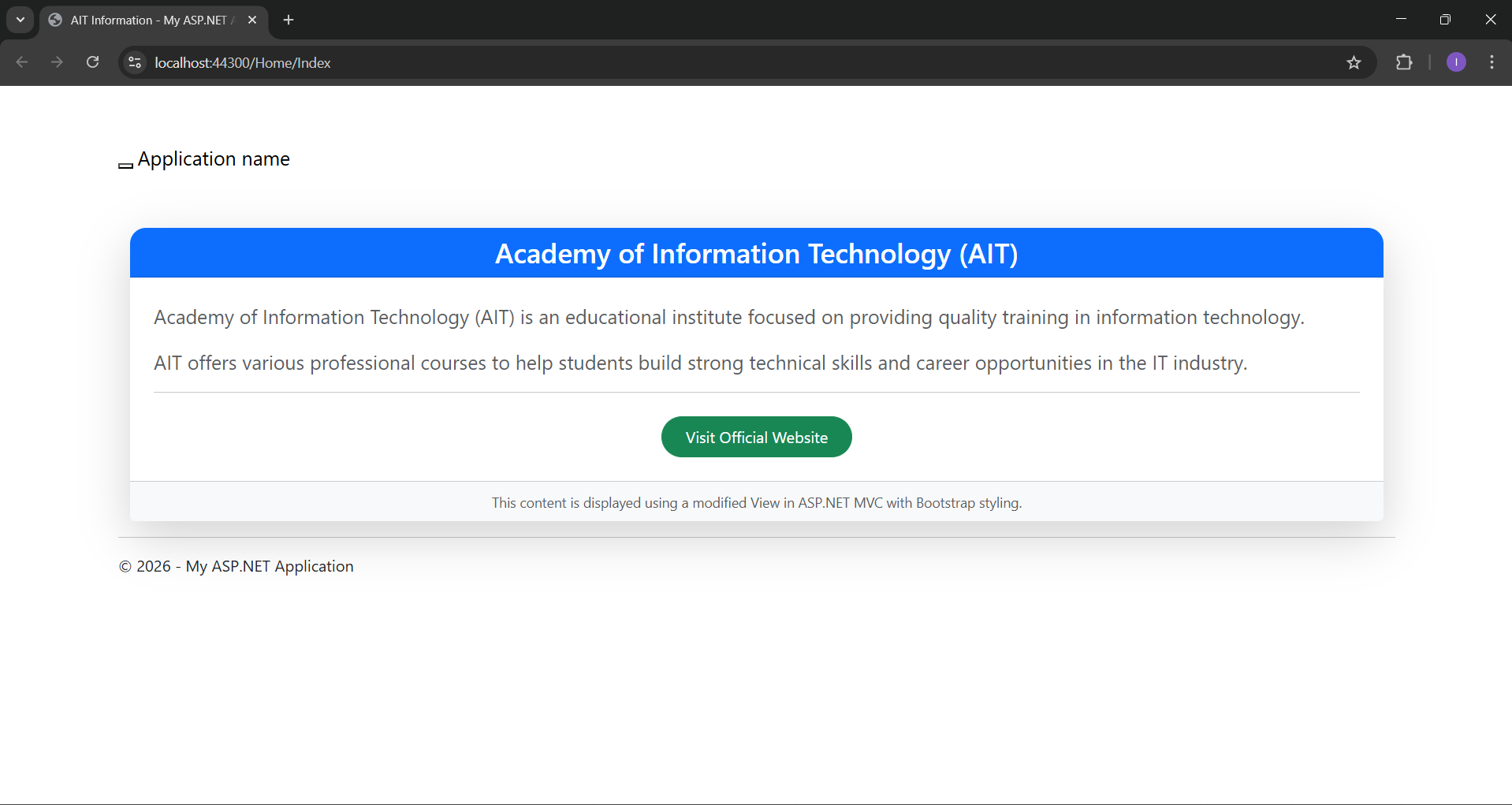
Application URL
https://localhost:44300/Home/Index